
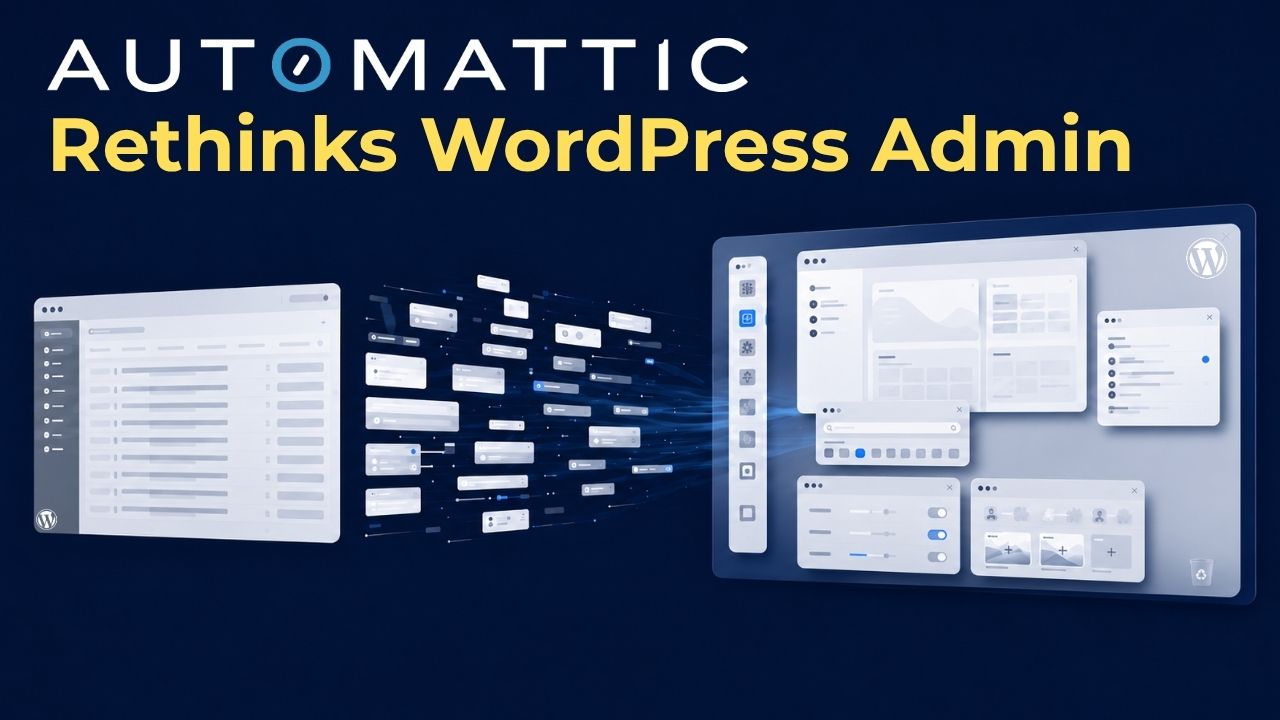
On June 12, 2026, Automattic published Desktop Mode, a free, open-source plugin that renders /wp-admin as a desktop operating system: draggable and resizable windows, a left-edge dock built from the admin menu, virtual desktops called Spaces, a unified Recycle Bin, and a command palette accessible with Cmd+K. The plugin uses only public WordPress hooks. Deactivating it returns the admin to standard wp-admin with no residual changes.
The timing is not coincidental. WordPress 7.0 (May 20) put an AI client and connectors to Anthropic, Google, and OpenAI into core. WooCommerce 10.9 (stable June 23) ships canonical agent abilities for the first time. Desktop Mode is a third experiment from the same quarter, approaching the same question from a different direction: not what agents can do with WordPress, but what the person managing WordPress needs the interface to do.
What the Plugin Actually Changes in /wp-admin
WordPress administration has been a form-based interface since 2003. Desktop Mode changes that. The plugin adds a desktop operating system layer to /wp-admin:
- Floating windows: each admin screen opens, resizes, and stacks independently; multiple screens stay open at once
- Spaces: virtual desktops for separating workflows (editorial, WooCommerce, settings)
- Unified Recycle Bin: deleted posts, pages, media, and comments collected in one place
- Command palette (Cmd+K): keyboard navigation across the entire admin without touching a menu
- AI Copilot (optional): content search and related-page discovery via OpenAI; requires an API key, inference costs stay with the site owner
Built in Three Days During an Internal Sprint
Desktop Mode was written during Automattic’s internal “Radical Speed Month” initiative, a four-week sprint in which small teams ship fast on focused projects. Engineers Daniel López Sánchez and Roberto Aranda shipped the plugin within three days of the sprint beginning. It was published to the WordPress.org plugin directory and was running on hundreds of sites within its first week; the current active installation count stands at over 2,000.
Community uptake was immediate at the developer layer. Nick Hamze published a separate plugin adding an App Store layer to Desktop Mode within days of its release, extending the hook architecture with installable add-ons and applications. The combination shows the extensibility model working as designed: a core framework ships, and third-party developers build on top of it before the official plugin reaches version 1.0.
The Broader Signal: wp-admin Is Being Redesigned
Gutenberg redesigned the content editing layer. The Abilities API in WordPress 6.9 redesigned the machine-readable layer. Desktop Mode redesigns the human interaction layer: the problem that managing a complex site through sequential full-page loads is slow for power users running editorial operations, WooCommerce stores, or multi-plugin configurations from a single dashboard.
The pattern across all three is consistent. The WordPress stack is being redesigned for two categories of user at the same time: AI agents that need typed, structured access, and human operators who need a faster, more capable environment than the current admin provides. Desktop Mode is the piece that serves the human side of that redesign.
Hosts Built Dashboards on wp-admin. Now Automattic Has One Too.
Managed WordPress hosts have spent years building custom control panels layered over wp-admin: Hostinger’s hPanel, WP Engine’s site portal, SiteGround’s Site Tools. Desktop Mode is Automattic’s own answer to the same problem, and its architecture makes it suitable for deployment as a hosting feature.
Because the plugin is per-user opt-in and non-destructive, a hosting provider can offer it as an account-level feature without affecting customers who do not enable it. The plugin ships hundreds of extensible hooks, allowing providers to add their own dock entries, desktop icons, or integrated tools without forking the codebase. Version 0.9.1 is pre-production, but the architecture is designed for extension at scale, and the community’s App Store response shows developer appetite for building on it.
The signal worth tracking: Automattic is defining what WordPress administration looks like in a world where AI clients, agent abilities, and desktop-grade UX are arriving in the same release window. That definition, even at v0.9, moves faster than any custom hosting dashboard built on top of the old one.
