
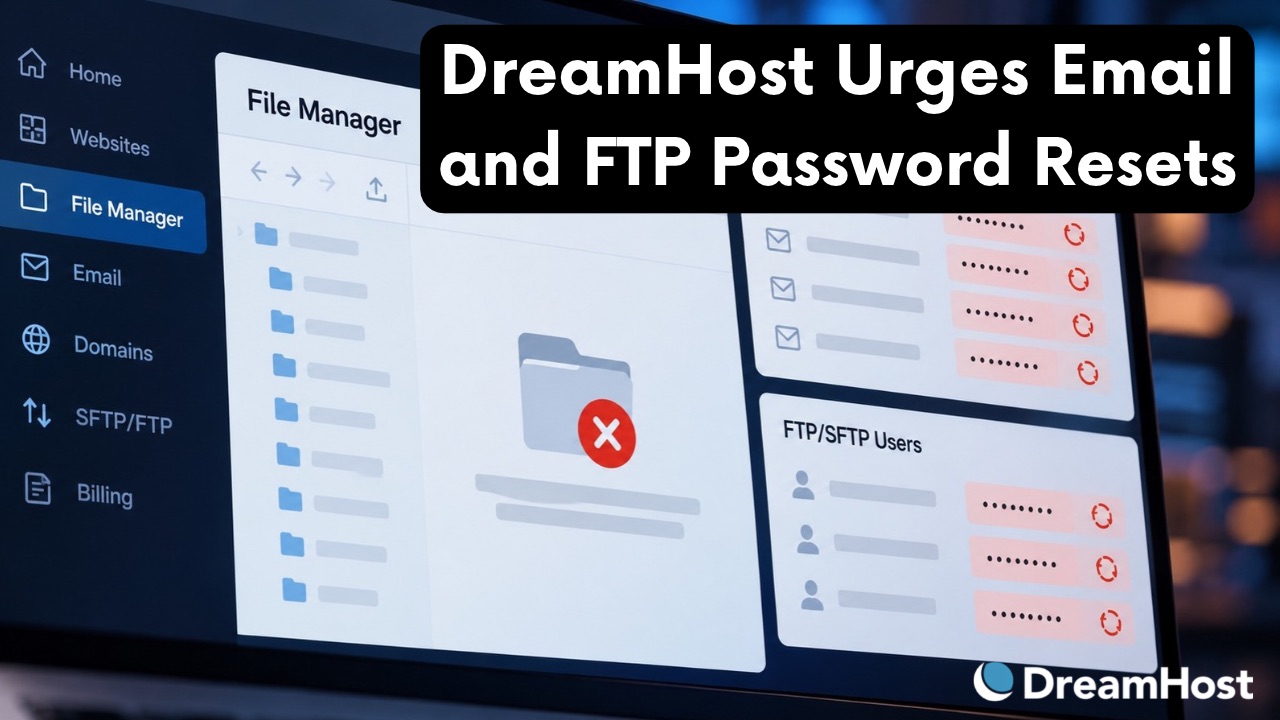
eamHost’s web-based File Manager has been offline since October 23. During the incident, the host expired the passwords of some email and FTP/SFTP users as a precaution. Those users cannot sign in until the account owner sets a new password and passes it on.
In an email headed “Immediate Action Needed,” DreamHost asks the owners of affected accounts to set new passwords for every email and FTP/SFTP user, not only the expired ones. It also asks them to check each mailbox for forwarding rules they do not recognize.
According to the email, DreamHost’s team is “investigating the cause.” Its updates and email do not report that any credentials were accessed, and they do not give the number of affected accounts. At the latest status update, on October 25 at 9:32 p.m. Pacific time, the File Manager was still unavailable. DreamHost describes itself as hosting more than 1.5 million websites for over 400,000 customers.
From a File Manager Outage to Password Resets
The status page lists three affected services: the File Manager interface, Email Hosting and the Webmail interface. DreamHost first reported connectivity issues affecting its File Manager. Later updates added webmail sign-outs and precautionary password resets. The main updates run as follows.
| Time (PDT) | Update |
|---|---|
| Oct 23, 2:20 p.m. | Operations investigates connectivity issues affecting the File Manager interface. |
| Oct 23, 5:20 p.m. | The File Manager is offline, some webmail users are signed out, and DreamHost starts resetting some email passwords as a precaution. |
| Oct 23, 10:13 p.m. | The resets cover some email and FTP/SFTP users. Customers are asked to wait for DreamHost’s email before changing passwords. |
| Oct 24, 10:37 a.m. | DreamHost completes the precautionary password resets. Account owners can now set replacement passwords without waiting for the email. |
| Oct 25, 9:32 p.m. | All affected account owners have been emailed instructions. Work on restoring the File Manager continues. |
Once a mail password is reset, the old one stops working in every client. According to the October 23 update, webmail and mail apps such as Outlook, Apple Mail and phone clients stop accepting the old password.
Password Recovery Falls to Account Owners
DreamHost mail users can change their own password only if they know the current one. For users whose passwords were expired in this incident, a new password has to be set in the DreamHost panel by the primary account owner or a privileged user, and anyone without panel access is directed to the account owner.
The timing of the instructions also changed. On the night of October 23, DreamHost asked customers to wait for its email, since changes made before the reset was complete “will be overwritten.” From the morning of October 24, account owners could set new passwords straight away.
What the Email to Account Owners Asks
The full subject line of the email reads “Immediate Action Needed: Update passwords for all users on your DreamHost account.” A recipient posted it in full on Reddit, and a second recipient quoted part of the same text on Hacker News. The body explains that the passwords of some email and FTP/SFTP users have been expired and that “no new password has been set.” It also gives the reason the message goes only to owners: DreamHost “is unable to contact individual mailbox or FTP users directly, so they may not know about this until you tell them.”
In line with the subject line, the instruction covers every email address and every FTP/SFTP user on the account. Mailboxes are handled under Mail > Manage Email in the panel, and FTP and SFTP logins under Websites > SFTP Users & Files. While in Manage Email, they should “review the forwarding settings on each address and remove any forward you don’t recognize.” The email asks owners to reach their users by phone, text or another channel rather than their DreamHost address, and advises anyone who used the old password elsewhere to change it there too.
For a business or agency managing multiple mailboxes or SFTP users under one DreamHost account, this means setting new passwords and notifying each user individually. On the Professional Email service, some customers saw a “Failed to edit” error when setting new passwords, which DreamHost reports as fixed.
Both the email and the status page carry a warning. Email and FTP/SFTP users “do not receive password reset emails from DreamHost for any reason,” and any message asking them to reset, verify or confirm a password should be treated as phishing. According to DreamHost, the next status update will come when the File Manager is restored.
