
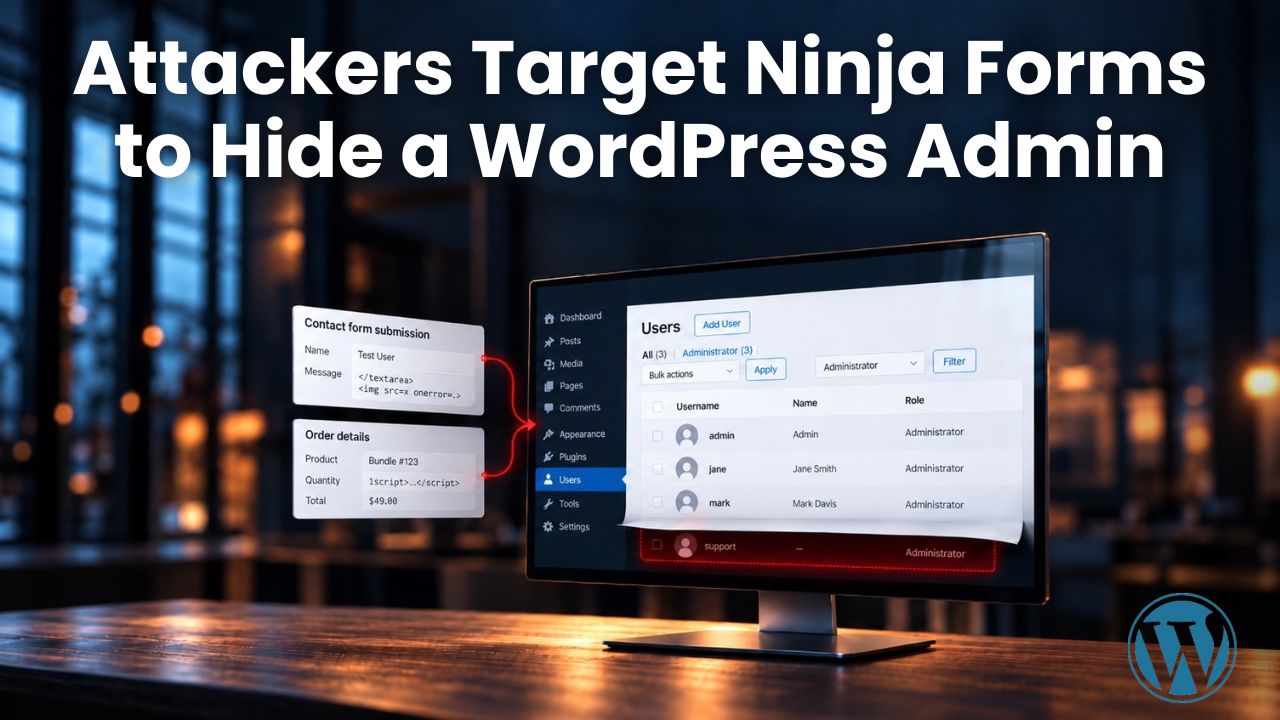
Since October 4, attackers have been trying to exploit stored cross-site scripting (XSS) flaws in two WordPress plugins, Ninja Forms and WPC Product Bundles for WooCommerce, to deliver a single JavaScript payload. When an administrator opens the poisoned form submission or order, the script uses that administrator’s logged-in session to install a fake plugin and create an administrator account that does not appear on the WordPress Users screen. According to Patchstack’s analysis, published on October 6, one successful run leaves four separate ways back into a site. Removing the vulnerable plugin does not close them, and deleting the fake one still leaves three.
Patchstack describes the volume as small so far: exploitation “remains limited in our telemetry,” with attempts from five IP addresses, four of them Tor exit nodes, so blocking them is not a durable defense on its own. It also expects the list of plugins to grow: “Two is what we have confirmed, not what we expect the final count to be.”
Key facts
- Timeline: Ninja Forms fixed its flaw on September 21, both flaws were published as CVEs on September 22, the attackers’ domain was registered October 1 and the first attempt came October 4.
- Update: the flaws used here were fixed in Ninja Forms 3.15.4 and WPC Product Bundles 8.6.7. Later releases add further stored XSS fixes, so the latest version of each plugin is the one to run.
- Find the hidden admin: list administrators directly from the database and compare them with the Users screen. An account missing from wp-admin is hidden by the malware.
- Clean up fully: deleting the fake plugin is not enough. The extra admin accounts, must-use files and two options have to go, salts need rotating, and Patchstack advises treating the oldest admin’s password as compromised.
Two Plugins, One Payload
| Ninja Forms | WPC Product Bundles for WooCommerce | |
|---|---|---|
| Active installations | 500,000+ | 30,000+ |
| Vulnerable versions | Through 3.15.3 | Through 8.6.6 |
| Fixed in | 3.15.4 | 8.6.7 |
| Further stored XSS fixes in | 3.15.5, including CVE-2026-90438 | 8.7.3 |
| CVE | CVE-2026-94504. WPScan separately assigned CVE-2026-92438 to an overlapping flaw on the same submission screen | CVE-2026-93836 |
| Where the script waits | A form submission, opened in the legacy admin submission editor | WooCommerce order metadata |
| First attempt seen | October 5 | October 4 |
Sources: Patchstack, CVE records, WordPress.org.
The two flaws work differently. In WPC Product Bundles, a quantity value that begins with a number passes validation while keeping the attacker’s markup, which is stored in the order and rendered later. In Ninja Forms, an anonymous textarea submission is stored and shown without safe encoding in the legacy submission editor. The loaders differ, but both pull the same script from imgcdn1.com, a domain that carries every stage of the campaign.
For Patchstack, which plugin opens the door barely matters. “Once JavaScript runs inside an authenticated administrative origin, the post-exploitation stage is identical,” the analysis says, so “these attackers collect stored XSS vulnerabilities instead of building a separate malware chain for each plugin.”
Four Ways Back In, One of Them Visible
Working through the administrator’s session, the script installs a plugin posing as “WP Smart Thumbnails” 1.2.4 by “MediaPress Labs,” creates an administrator account and calls a second script that builds the persistence. Patchstack counts four routes back in:
- A visible administrator, with credentials supplied by the attackers’ server.
- A hidden administrator with a routine-sounding name such as support, updater or maintenance and an @wordpress.org email address.
- A login URL, /wp-login.php?_wplogin= followed by a token, that signs the holder in as the site’s oldest existing administrator.
- A file manager inside the fake plugin with no authentication at all, reachable by a direct request.
The hidden account and the login URL rely on must-use plugins. One of them filters the hidden account out of the Users list, the Administrator filter and the role counts above the list. Deleting the fake plugin leaves them in place. Must-use plugins load on every request, cannot be deactivated from wp-admin and stay out of the main plugin list, showing only in a separate Must-Use section. Each is obfuscated with a fresh key per site, so no two infected sites share a file hash. Every file the installer writes is also backdated to the oldest timestamp in the WordPress root, which hides it from searches for recently changed files. The analysis advises: “Sort by content, not by date.”
Finding an Account the Dashboard Hides
Most of the checks below need database, file or log access rather than the WordPress dashboard. Because wp-admin filters the hidden account out, Patchstack recommends listing administrators directly from the database and comparing the result with the Users screen. Any account that appears in the query but not in the interface is hidden. The other places to check:
| Where to look | What to look for |
|---|---|
| Web server and application logs | imgcdn1.com, /fz/x.js, /fz/c.php, wp-login.php requests carrying _wplogin, and direct requests to the fake plugin’s PHP files |
| wp-content/plugins | A wp-smart-thumbnails folder |
| wp-content/mu-plugins | class-wp-token-validate.php and class-wp-query- files with an 8-character hex suffix |
| Options table | fz_emer_done_v1 and fz_emer_login_tokens |
| Users | Administrators created around the time someone viewed WooCommerce orders or Ninja Forms submissions, and local accounts with an @wordpress.org email address |
Indicators from Patchstack’s analysis.
A site where the script ran in an administrator’s browser should be treated as potentially compromised, in Patchstack’s assessment. Cleanup covers:
- Removing the unauthorized administrator accounts and the fake plugin.
- Deleting the two must-use files from wp-content/mu-plugins and the two options.
- Rotating privileged credentials and WordPress authentication salts.
- Reviewing the files and database for other changes.
The oldest administrator’s password should be treated as compromised, because the login URL signs in as that account even though its password was never stolen.
About the Data
This article is based on Patchstack’s October 6 analysis and its vulnerability database entries, the CVE records published by Wordfence and WPScan, the two plugins’ WordPress.org listings and changelogs, and WordPress’s own documentation on must-use plugins. The exploitation figures come from Patchstack’s own telemetry and describe what it observed, not the full extent of the campaign. Installation counts are WordPress.org’s rounded figures.

Sources
- Four ways back in: the WordPress XSS campaign that hides its own admin account - Patchstack
- Cross Site Scripting (XSS) in WordPress Ninja Forms Plugin - Patchstack Database
- Cross Site Scripting (XSS) in WordPress WPC Product Bundles for WooCommerce Plugin - Patchstack Database
- CVE-2026-94504 - CVE.org
- CVE-2026-92438 - CVE.org
- CVE-2026-93836 - CVE.org
- CVE-2026-90438 - CVE.org
- Ninja Forms - WordPress.org
- WPC Product Bundles for WooCommerce - WordPress.org
- Must-Use Plugins - WordPress Developer Resources (Advanced Administration Handbook)