

On CloudLinux 7 to 10 servers with a registration or license problem, a routine yum or dnf update can now stop with an error, operating system updates included.
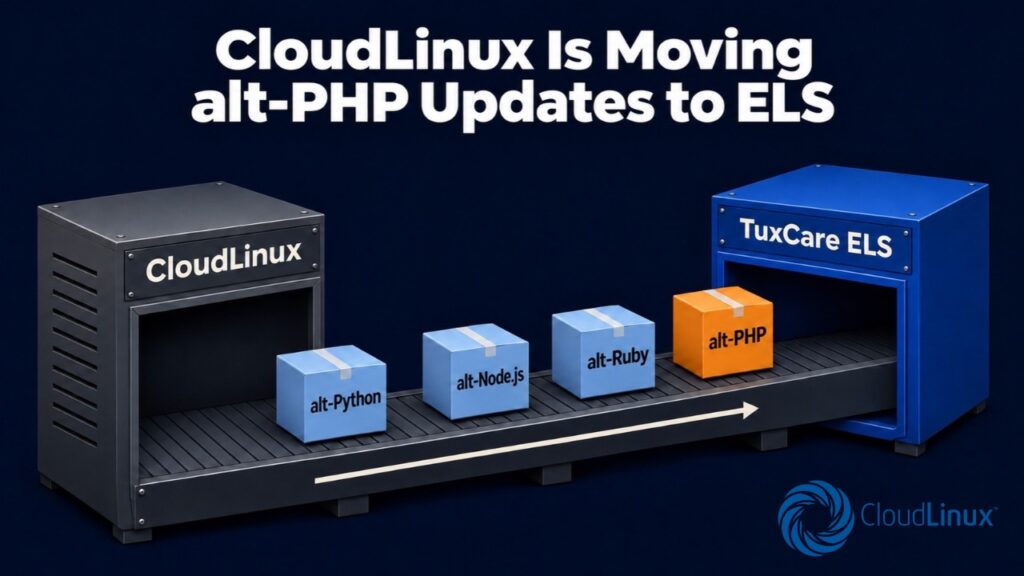
The error comes from the TuxCare Extended Lifecycle Support (ELS) repositories, which are being added to CloudLinux servers. Since November 23, updates for alt-PHP, alt-Python, alt-Node.js and alt-Ruby, security fixes included, reach them first, and ELS is to become the only source.
When ELS Is Enabled Automatically
For most servers, there is nothing to do, and the repositories come with the CloudLinux license at no extra charge. They are added by an update to the cloudlinux-release package. CloudLinux began rolling it out on November 10, and since November 24 it has been available to all servers.
On CloudLinux 7 to 10 servers that are registered with CloudLinux Network (CLN) and install system updates regularly, the repositories are usually enabled within a minute of the update arriving. Administrators who do not want to wait can install the update right away: on CloudLinux 8 to 10 with dnf update cloudlinux-release, on CloudLinux 7 and 7 Hybrid with yum update cloudlinux-release.
The goal is to stop publishing every new build of these packages twice, to TuxCare ELS and to CloudLinux’s own repositories. Once most servers have the ELS repositories enabled, CloudLinux will give advance notice of the switch to ELS as the only source.
An ELS repository that an administrator has disabled stays disabled, and after that switch, the server will get no new updates for the packages that repository serves. On a server without a CLN registration, the ELS repositories remain disabled and the server keeps updating from its other sources.
When Administrators Need to Act
CloudLinux’s November 10 post lists these cases, along with commands to check whether a server’s ELS repositories are enabled:
| Setup | What happens | What to do |
|---|---|---|
| Own mirror instead of CloudLinux’s repositories | The update does not change repositories that point to the mirror | Add the 4 ELS repositories and the alt-common repository to the mirror and point the servers’ repository settings at it; send the mirror’s external IP address to your account manager or TuxCare sales to request access |
| Internet access only through an allowlist | Once the ELS repositories are enabled, updates can fail | Allow HTTPS to repo.alt.tuxcare.com and rollout.alt.tuxcare.com |
| rhn-client-tools excluded from updates or locked to one version | The server cannot take the update; on CloudLinux 7 to 10 the whole yum or dnf update stops with an error | Lift the exclusion or lock before updating |
| alt-* packages excluded from updates | The exclusion blocks the update if alt-common-release is not installed | Leave alt-common-release and alt-php-els-meta out of the exclusion |
| A server that still has an old access token but whose CLN registration is broken or license has expired | The ELS repositories refuse access (403 Forbidden) but stay enabled. On Ubuntu, apt-get update refreshes the other sources and then ends with an error, so the install part of the command in the next row does not run | Run rhn_check, which gets a new token if the registration is still valid; if it is not, fix the registration or renew the license |
| CloudLinux for Ubuntu 22.04 | apt-get upgrade does not install the new cloudlinux-release | Install it with apt-get update && apt-get install rhn-client-tools cloudlinux-release |
Three of the six setups can stop all package updates on CloudLinux 7 to 10: refused ELS access, an outbound allowlist without the two TuxCare addresses, and a locked or excluded rhn-client-tools package. For the other three, whether the ELS repositories reach the server depends on the step listed in the table.
Sources
